
Last verified: 21 May 2026
Router boxes now shout “Wi-Fi 7” the way phone boxes shout megapixels. If you are shopping for a router — or wondering whether your perfectly fine one is suddenly obsolete — here is a straight answer about what Wi-Fi 6 and Wi-Fi 7 are, what genuinely changed, and whether the upgrade is worth your money.
A quick recap: what the numbers mean
“Wi-Fi 6”, “Wi-Fi 7” are just friendlier names for wireless networking standards. Each generation is faster and handles more devices than the last.
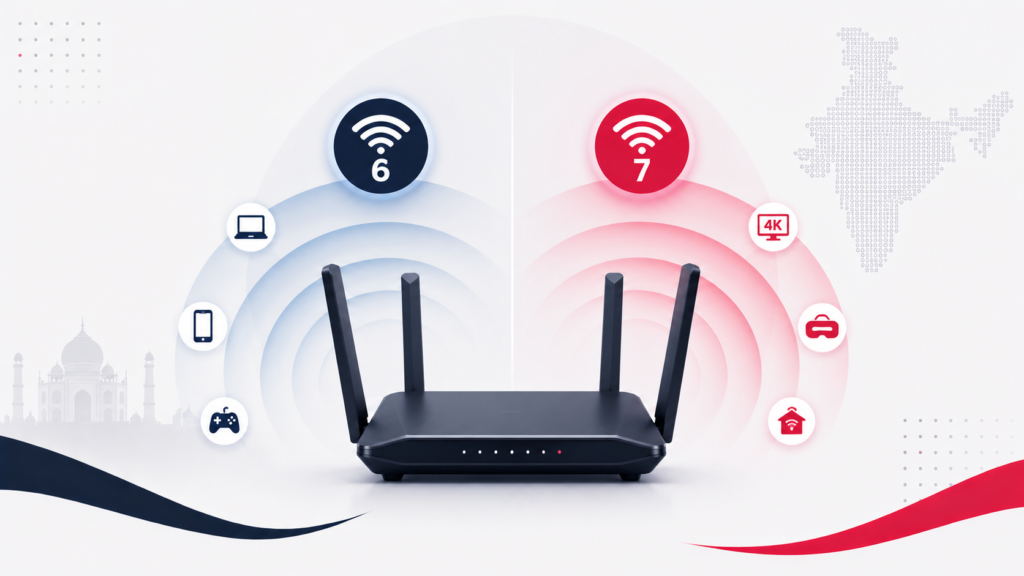
- Wi-Fi 6 (technical name 802.11ax) arrived around 2019. Its big idea was not raw speed but capacity — handling many devices at once gracefully. It introduced technology (OFDMA) that lets a router serve several devices in one go instead of queuing them one by one. For most homes today, Wi-Fi 6 is still genuinely good.
- Wi-Fi 7 (802.11be) launched in 2024. It pushes raw throughput and lowers latency further. Its headline feature is Multi-Link Operation (MLO), which lets a device use multiple frequency bands at the same time, improving stability and responsiveness in congested conditions.
On paper Wi-Fi 7 is dramatically faster. In a typical home, the gap you actually feel is much smaller — and that distinction is the whole point of this article.
The honest truth: your internet plan is usually the limit
Here is the thing the router box will not tell you. Wi-Fi 7’s huge speed numbers only matter if everything else in the chain can keep up. To benefit, you need:
- A Wi-Fi 7 router, and
- Devices (phones, laptops) that also support Wi-Fi 7, and
- An internet plan fast enough that Wi-Fi was the bottleneck in the first place.
For most homes, point 3 is the catch. If your broadband plan is around 1 Gbps or slower — which covers the vast majority of home connections — a good Wi-Fi 6 router is not your bottleneck. Upgrading to Wi-Fi 7 will not make your streaming load faster, because your internet plan, not your Wi-Fi, sets the ceiling.
In side-by-side testing under typical home use — a couple of devices streaming, phones browsing, some smart-home gadgets — Wi-Fi 6 and Wi-Fi 7 routers perform essentially identically. The difference shows up only under demanding conditions.
When Wi-Fi 7 is genuinely worth it
There are real cases where Wi-Fi 7 earns its price:
- You have a multi-gig internet plan (2 Gbps or faster). At those speeds, Wi-Fi 6 can actually become the bottleneck, and Wi-Fi 7 lets you use the bandwidth you are paying for.
- A very device-dense home — dozens of connected gadgets all active at once, where the extra capacity and MLO stability help.
- Latency-sensitive use — competitive online gaming or wireless VR, where MLO’s lower, steadier latency is a felt improvement.
- You are buying a router anyway and want it to last 5+ years. If you are replacing your router regardless, buying Wi-Fi 7 is reasonable future-proofing — though prices are still falling, so there is no rush.
When to stick with Wi-Fi 6
For most people, honestly: if you already have a Wi-Fi 6 router and your internet plan is 1 Gbps or below, there is little practical reason to upgrade right now. Your streaming, video calls, browsing and normal smart-home use are already well served. The money is better kept in your pocket — or spent on fixing dead zones with a mesh system (which can be Wi-Fi 6) rather than chasing a newer number.
One reassuring point: it all still works together
You do not need to replace all your devices. Wi-Fi standards are backward-compatible. A Wi-Fi 7 router still happily serves your older Wi-Fi 6 and Wi-Fi 5 phones and laptops; a new Wi-Fi 7 phone still connects to an older router. You only get the full benefit of a standard when both ends support it — but nothing breaks in the meantime.
The bottom line
Wi-Fi 7 is a real step forward, and if you have multi-gig internet, a gadget-packed home, or serious gaming/VR needs, it is worth considering. For everyone else — most homes, on plans of 1 Gbps or less — a good Wi-Fi 6 router remains perfectly capable, and “Wi-Fi 7” on the box is a number you can safely let pass. Buy for your internet plan and your home, not for the biggest label.