Last verified: 21 May 2026
If you use an Android phone in India, you have probably noticed your text messages quietly getting better — photos that no longer look like they were faxed, “typing…” indicators, read receipts. That is RCS doing its job. Here is what RCS is, why it matters, and how to make sure it is switched on — on both Android and iPhone.
What RCS actually is
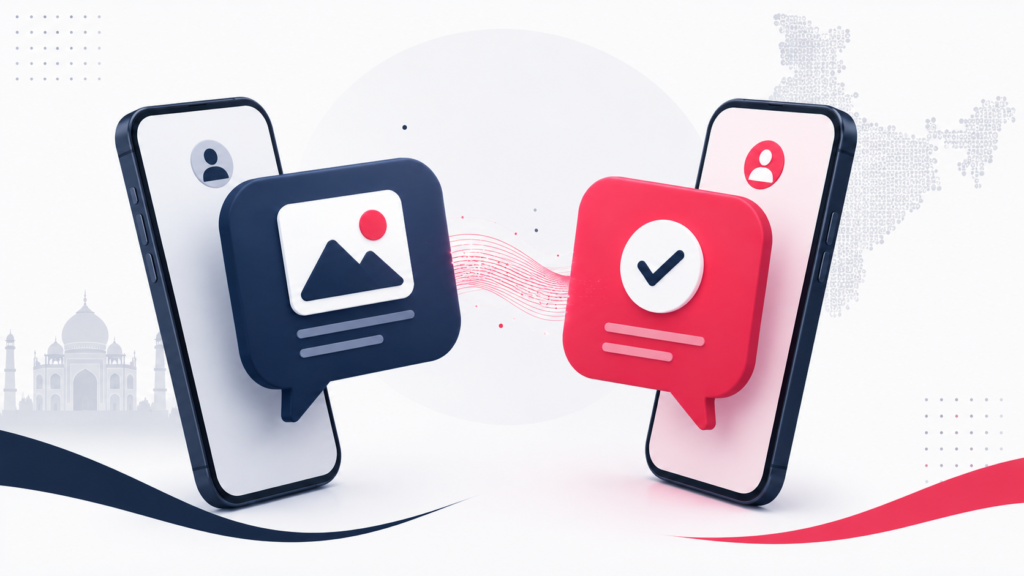
RCS stands for Rich Communication Services. Think of it as a modern replacement for SMS, the decades-old texting standard. Plain SMS can send a short bit of text and not much else; anything richer gets compressed into something grainy. RCS upgrades that channel so your default messaging app can do the things you are used to from WhatsApp: high-quality photo and video sharing, typing indicators, read receipts, larger group chats, and messages sent over the internet rather than counted against an SMS pack.
Crucially, RCS is not a separate app you download. It runs inside the messaging app you already use — Google Messages on Android, and the Messages app on iPhone. When RCS is available, it is used automatically. When it is not, the conversation quietly falls back to ordinary SMS.
Why it matters in India
India is a WhatsApp-first country, so it is fair to ask why RCS is a big deal. Two reasons. First, a great deal of official and semi-official communication — banks, delivery services, government services, OTPs — still arrives by SMS, and RCS makes that channel far more capable, including verified business messages with interactive buttons instead of clunky links. Second, RCS works natively between Android and iPhone without anyone installing anything, which makes it the closest thing to a universal default messaging upgrade.
There is also a meaningful privacy development: end-to-end encrypted RCS messaging began rolling out in 2026 for both Android and iPhone. When both people are on supported devices and apps, RCS chats can now be end-to-end encrypted, with a lock icon shown in the chat. Encryption is being enabled automatically over time for eligible conversations.
How to turn RCS on — Android
Most Android phones in India ship with Google Messages as the default messaging app, and RCS support works across Jio, Airtel, Vi and BSNL.
- Open the Google Messages app.
- Tap your profile icon or the three-dot menu, and go to Settings.
- Open RCS chats (sometimes labelled “Chat features”).
- Turn on Turn on RCS chats (or “Enable chat features”).
- The app verifies your phone number in the background. After a short wait, you should see a status of Connected.
Once it says Connected, RCS is active. Rich features appear automatically in chats with other RCS users.
One extra step for dual-SIM phones
Dual-SIM is the norm in India, and it needs one bit of care: RCS can only be active on one SIM at a time — whichever SIM is set as your default for SMS. If RCS activated on the wrong number, go to Settings → SIM cards / Dual SIM → SMS / Messages, pick the SIM you want, then return to Google Messages, toggle RCS chats off and on again to re-register.
How to turn RCS on — iPhone
Apple added RCS support to the iPhone starting with iOS 18 in 2024, so iPhones in India can use RCS provided the carrier supports it (Jio, Airtel and Vi do).
- Open Settings.
- Scroll down and tap Apps, then Messages.
- Find RCS Messaging under the text-messaging options.
- Toggle RCS Messaging on.
A note on expectations: messages between an iPhone and an Android phone over RCS will still appear in green bubbles, not the blue of iMessage — the bubble colour has not changed, but the capability behind green-bubble chats has. If RCS does not seem to work after enabling it, make sure your iOS is up to date and try restarting the phone. Newer iOS versions also brought encrypted RCS to the iPhone.
When RCS won’t work — and why
RCS is a “both sides” technology. For the rich features to appear, both people in a conversation need RCS enabled on supported devices and apps. If only one person has it, the chat stays as plain SMS. So if a message thread looks like basic SMS, the most likely reason is simply that the other person has not enabled RCS — not that something is broken on your end.
Other common reasons RCS does not light up: the carrier or region has not provisioned it for your number yet, RCS is enabled on the wrong SIM (see the dual-SIM step above), or the phone needs a restart after the first activation.
The bottom line
RCS is the quiet, free upgrade to the messaging app already on your phone. On Android it is usually on by default; on iPhone it takes one toggle. It will not replace WhatsApp for most people in India, but it makes everyday SMS — especially messages from businesses, banks and services — far less painful. And with end-to-end encryption now arriving for RCS, the gap between “just texting” and a proper modern chat app is smaller than it has ever been.